Skip to content

Your garden, clearly organized

Plan your garden. Know what to do next.

Organize beds, plants, planting dates, care, harvests, and seasonal progress in one calm garden workspace.

Free to begin · no credit card required

01

Start with the space you already have—from one balcony pot to a full vegetable garden.
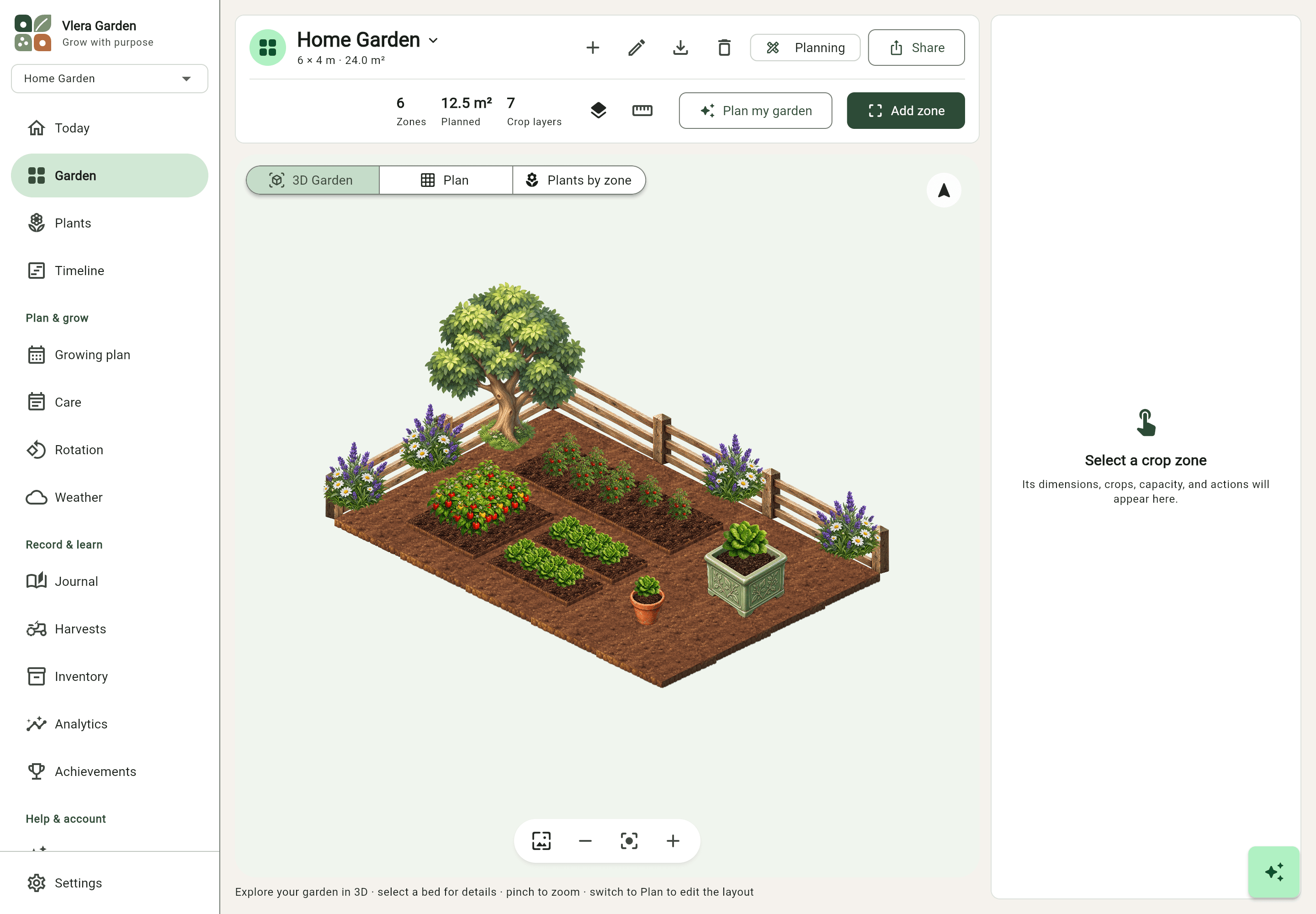
VleraGardenDesktop workspace
Screenshot placeholder · sample data
My Garden

Spring plan

3.2 × 1.2 m
18°Clight rain
4care tasks
Jun 02next harvest
Raised Bed 013.2 × 1.2 m
Today · 4 tasks
Water greenhouse tomatoesGreenhouse · 8:00
Sow spinachRaised Bed 02
Harvest zucchiniRaised Bed 01
Raised Bed 01 · Harvest2.4 kgFirst proper tomato harvest

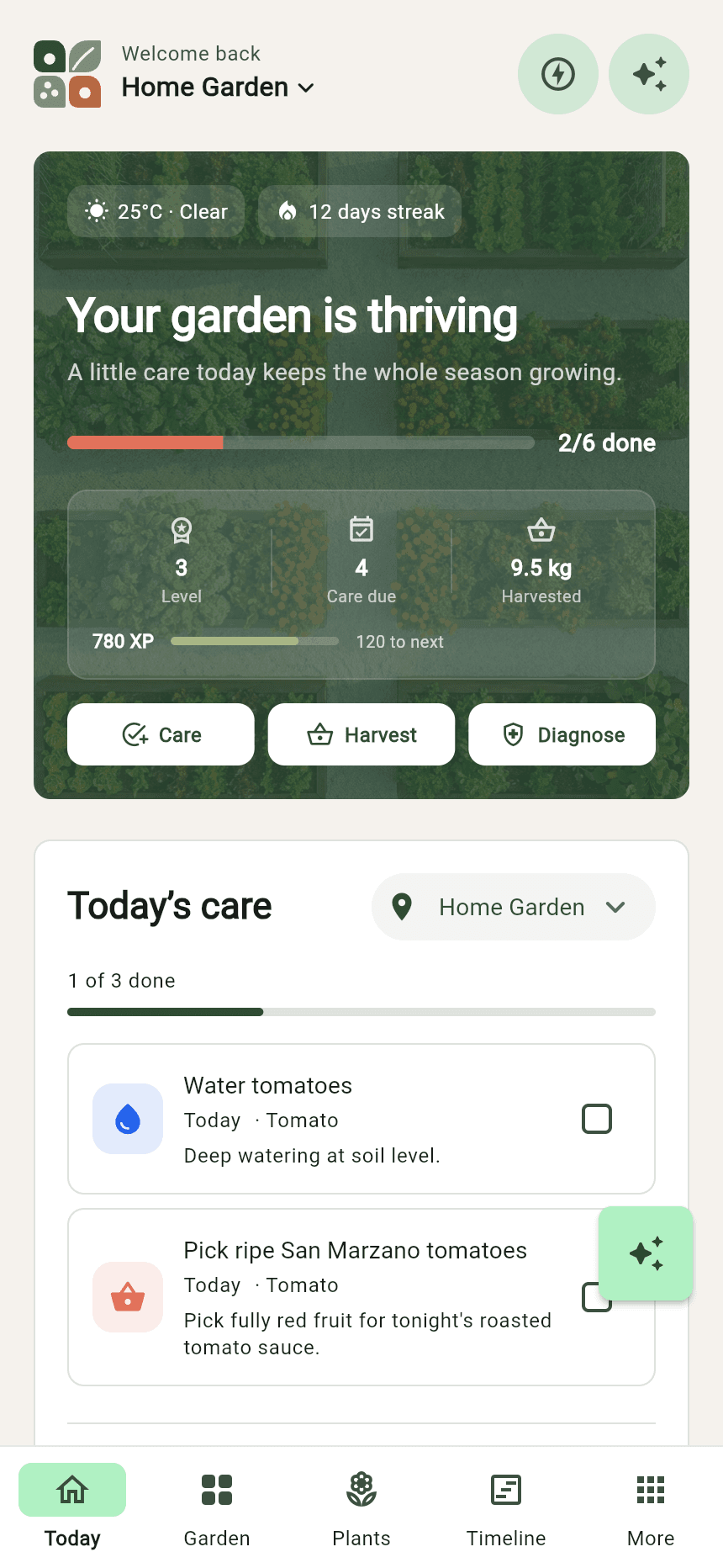
Mobile app

VleraGarden•••
Screenshot placeholder · sample data
My Garden

Daily management

18°CClouds clearing · 2 mm rain
Today · 4 tasks
Water greenhouse tomatoesGreenhouse · 8:00
Sow spinachRaised Bed 02
Harvest zucchiniRaised Bed 01
Check peppersGreenhouse

Explore the app with a sample garden

How it works

Your season in four clear steps

Start with your real space and build a useful garden record as you grow.

  1. 01

    Create your garden

    Add the zones, dimensions, and location that match your real growing space.

  2. 02

    Plan and plant

    Place crops on the grid and use spacing, companion, and rotation guidance as you design.

  3. 03

    Track and nurture

    Log care, follow the timeline, monitor weather, and keep notes in your garden journal.

  4. 04

    Harvest and learn

    Record each harvest and use your history to make next season even better.

01 — Plan the space

Know what you planted here.

Design beds, containers, trays, and polytunnels with drag-and-drop planting and interplanting layers.

VleraGardenDesktop workspace
Screenshot placeholder · sample data
My Garden

Spring plan

3.2 × 1.2 m
18°Clight rain
4care tasks
Jun 02next harvest
Raised Bed 013.2 × 1.2 m
Today · 4 tasks
Water greenhouse tomatoesGreenhouse · 8:00
Sow spinachRaised Bed 02
Harvest zucchiniRaised Bed 01
Raised Bed 01 · Harvest2.4 kgFirst proper tomato harvest

02 — Follow the season

Know what to plant—and what comes next.

Keep watering, pruning, sowing, transplanting, and other care events tied to the right plants.

planting dates stay connected to each cropweather and frost context included
Ripe beefsteak tomatoes growing on the vine
Plant record / 024Beefsteak tomatoSolanum lycopersicum

03 — Watch it grow

Follow every plant through its lifecycle.

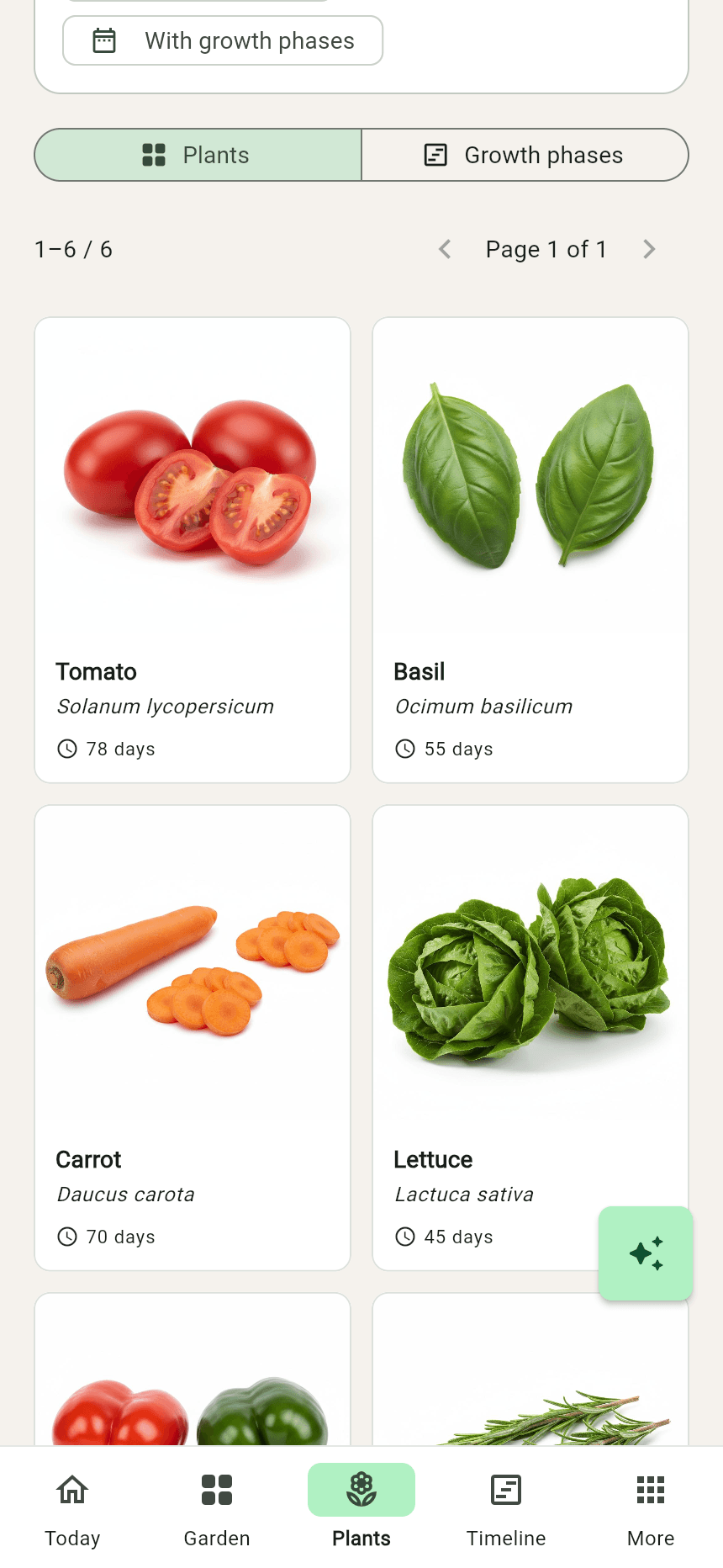
Search enriched plant profiles, care needs, lifecycle phases, spacing, and companion relationships.

  1. 1
    Seedcomplete
  2. 2
    Germinationcomplete
  3. 3
    Transplantcomplete
  4. 4
    Floweringnow
  5. 5
    Harvestup next

04 — Care for today

A calm answer to ‘what needs doing?’

18°CClouds clearing · 2 mm rain

Rain is expected this evening. You can skip watering outdoor beds.

Today · 4 tasks

Water greenhouse tomatoesGreenhouse · 8:00
Sow spinachRaised Bed 02
Harvest zucchiniRaised Bed 01
Check peppersGreenhouse
The weather changed. Your plan can change with it.

05 — Identify and understand

Turn a plant photo into a useful next step.

Photograph an unfamiliar plant or a visible symptom. VleraGarden connects the result to care guidance and your garden record.
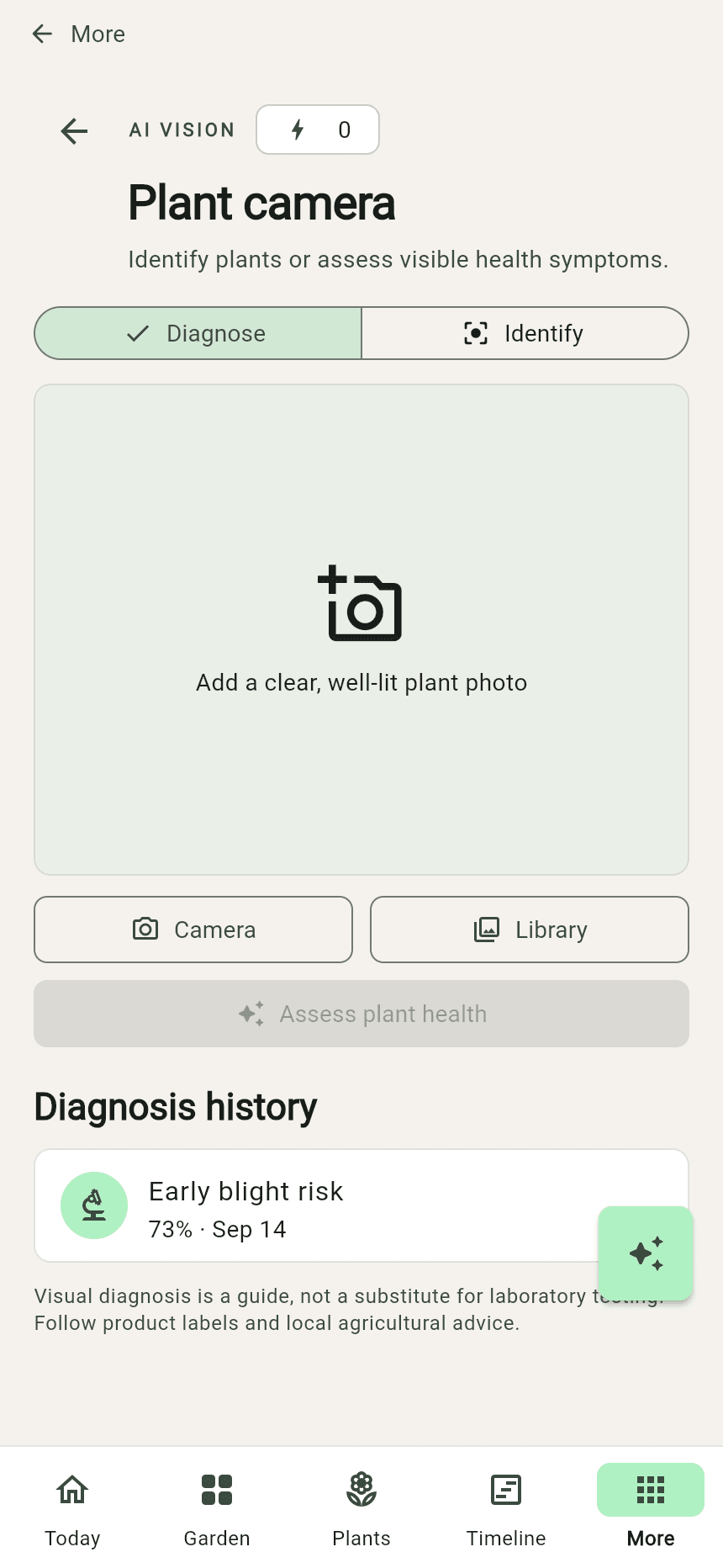
AI suggestions are a starting point, not a substitute for expert diagnosis.
VleraGarden•••
Screenshot placeholder · sample data
My Garden

AI and plant knowledge

Plant photo placeholder
Likely matchTomato
What we noticedLeaves look healthy; keep watching lower growth for changes.
Save to plant record

06 — Remember the season

Keep the notes that make next year better.

Log yield and quality, then compare productivity by plant, zone, season, and year.

28Aug
Raised Bed 01 · Harvest

First proper tomato harvest

Warm week, deep red fruit, and much less splitting than last year.

2.4 kgquality · excellent

More of your garden, taken care of

Beyond planning: the everyday tools that help you keep growing.

Start with your own space

Guided setup helps you create your first garden. Manage multiple gardens and switch between their beds, zones, and plants.

Smart growing plans

Review growing guidance and suggested bed layouts before applying a plan to your garden.

Keep gardening offline

The mobile app stores your garden locally. With an account connected, saved changes sync when a connection is available.

Care reminders

Enable mobile notifications for upcoming care tasks and keep watering, feeding, and other jobs on your radar.

Your next season

Give your garden a plan that grows with it.

Create your first garden for free. Keep the plan, the care, and everything you learn together from one season to the next.

Start your gardenFree to begin · no credit card required